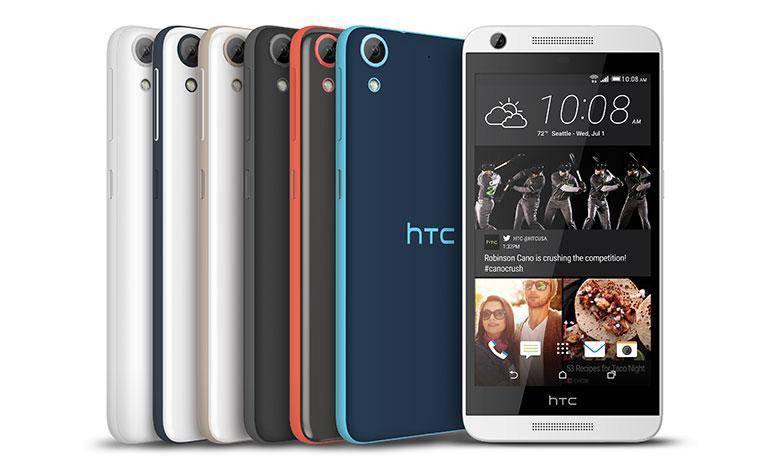
What do you do when you want to build a phone that has the perfect blend of price, design, and specs? If you’re HTC, you create a Desire phone. We’ve been fairly pleased with how well the HTC Desire lineup has been performing recently and we’ve even gone as far as calling them “a mid-tier phone with flagship DNA” and “a phone with a midrange name and flagship performance”. Does the HTC Desire 626 live up to the expectations set by its predecessors? Let’s dive right into the HTC Desire 626 review!
Video · Specs/Hardware · Software · Cameras · Performance
Pros/Cons · Pricing/Availability · Conclusion · Scored For Me
Video
Specs/Hardware
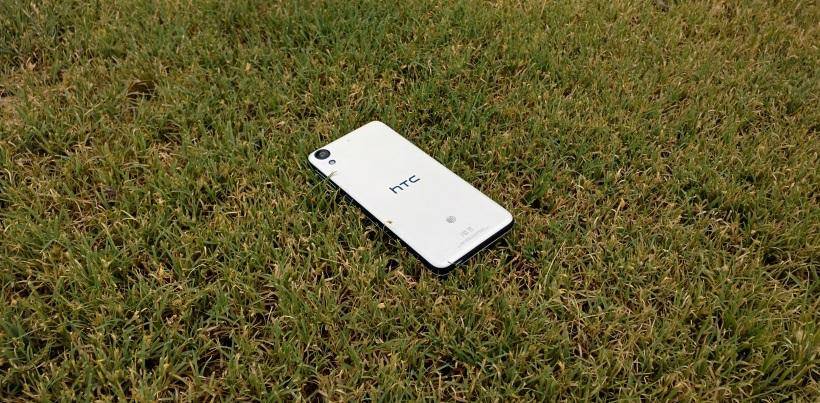
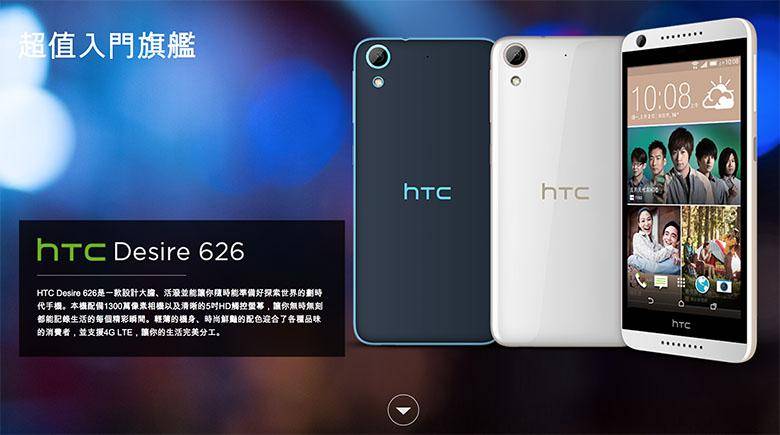
Before we dig in too deeply, it’s worth mentioning right up front that there is more than one phone that carries the “Desire 626” name. The internal model name for the phone is the A32. The version that AT&T just released is the A32e. There’s also another version that was released in Taiwan earlier this year. Depending on who you ask, each version has similar performance, but they each have significantly different internals. So to be clear, the model we’re reviewing here is the Desire 626 for AT&T – the A32e.
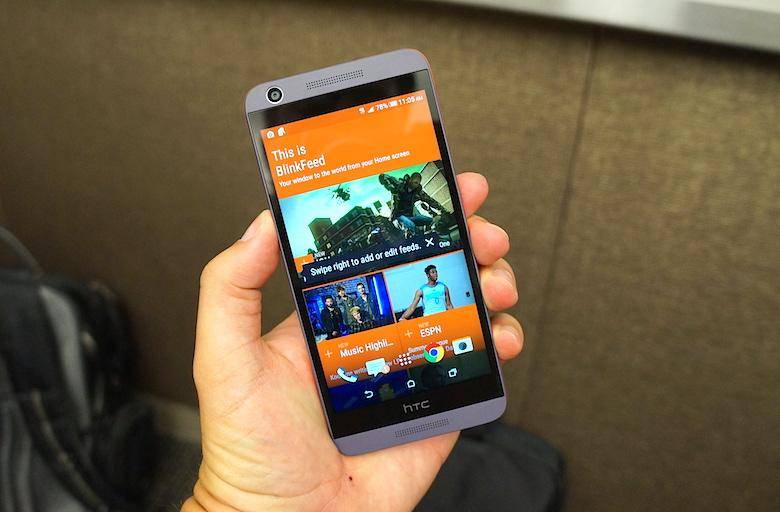
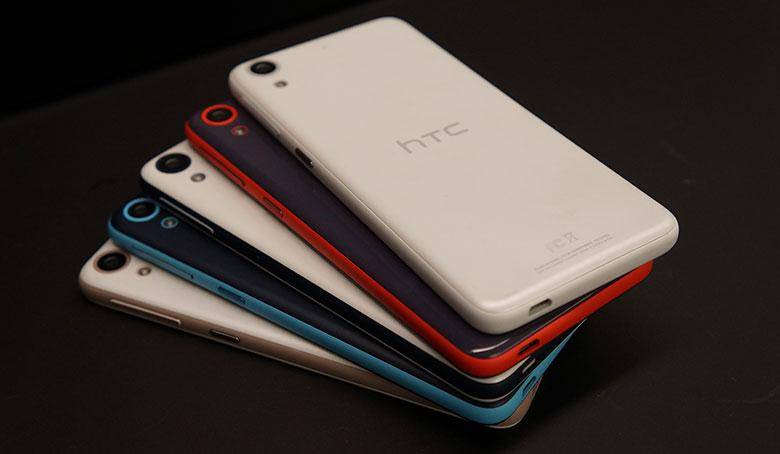
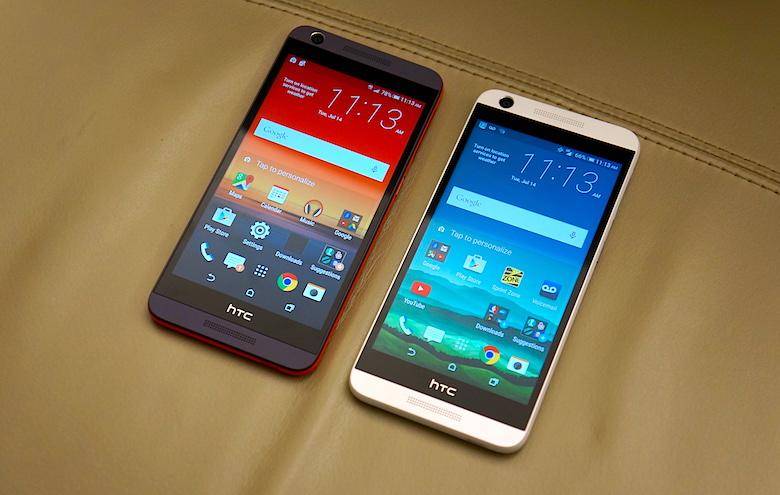
The Desire 626 feels solid in the hand. Its rounded corners look nice, and its edges are also rounded over for a comfortable but secure grip. Unlike the One M9, the Desire is made of a semi-matte polycarbonate, not hyper-glossy aluminum. Unlike previous Desires, which were great at fighting off fingerprints, fingerprints can be easily seen on the opalescent coating of the Desire 626.
Rather than a rounded back, like the One series flaunts, the Desire 626 is an elegantly flat slab that is very stable on your desk. Opting for polycarbonate rather than the aluminum unibody of the One means the Desire 626 has a little flex to it, but nothing to worry about. Weighing in at 140g, it’s no lightweight, but it doesn’t feel particularly heavy. Despite its svelte 8.13 mm thickness, measuring in at just under 147 mm x 71 mm it does feel somewhat large in the hand – not wide, but tall. To accommodate its height, HTC put the power button under your right thumb, and the volume rocker above it. That took quite a bit of getting used to.