If you want to customize the look and feel of your phone or tablet, Android is the platform for you! Since the very early days of the OS, users have been able to replace their launcher – the app that holds the icons, widgets, and wallpaper – with one of their choosing. Back then we started a series called “Launcher Wars” where Brandon Miniman and I would take turns evaluating launchers, sharing our thoughts, and trying to one-up the launcher the other was using. Most of those Android Launchers still exist today, but many are no longer being updated. The Android launcher we’re talking about today was released in 2011, but has gotten fairly regular updates through the years (as of this writing, the current update is from September 17, 2015). Its name? Lightning Launcher.
Android Launcher: Lightning Launcher
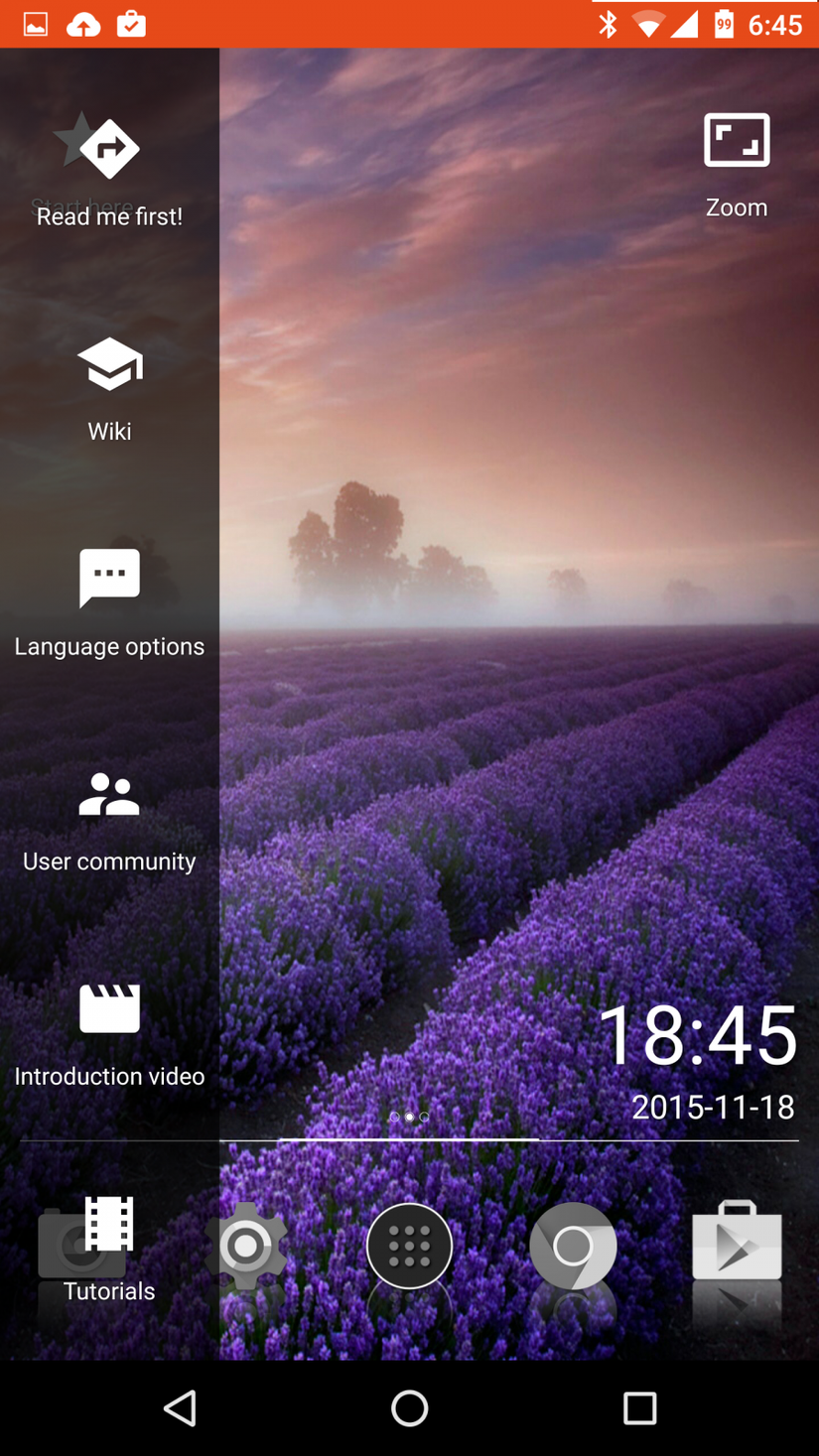
To start with, Lightning Launcher installs with a very “zoomable” theme installed. Placing icons and widgets on the screen is easy enough through the commonly used tap-and-hold gesture, but that’s where things get interesting.
Rather than only letting you swipe from side to side, Lightning Launcher lets you pinch and zoom, and zoom, and zoom. Icons keep getting smaller to their point they’re just specks on the screen. At any zoom level you can pan around the HUGE desktop and select whatever you want. Rather than organizing your shortcuts on individual screens (like you would with most launchers), Lightning Launcher lets you organize types of apps and widgets into different areas on the canvas. What’s more, it’s fast – really fast!
Apps can be arranged either on the screen, in panels that you can swide side to side or up and down, or can be pinned to one place on the screen when you’re scrolling around. Unlike most other Android Launchers, this one even lets you use JavaScript to bring an unprecedented amount of customization to your home screens.
Unlike every other Android Launcher we’ve covered in the past, this one isn’t as easy to describe. It’s less of a launcher and more of an empty slate – a blank canvas upon which you can design your own personal experience.
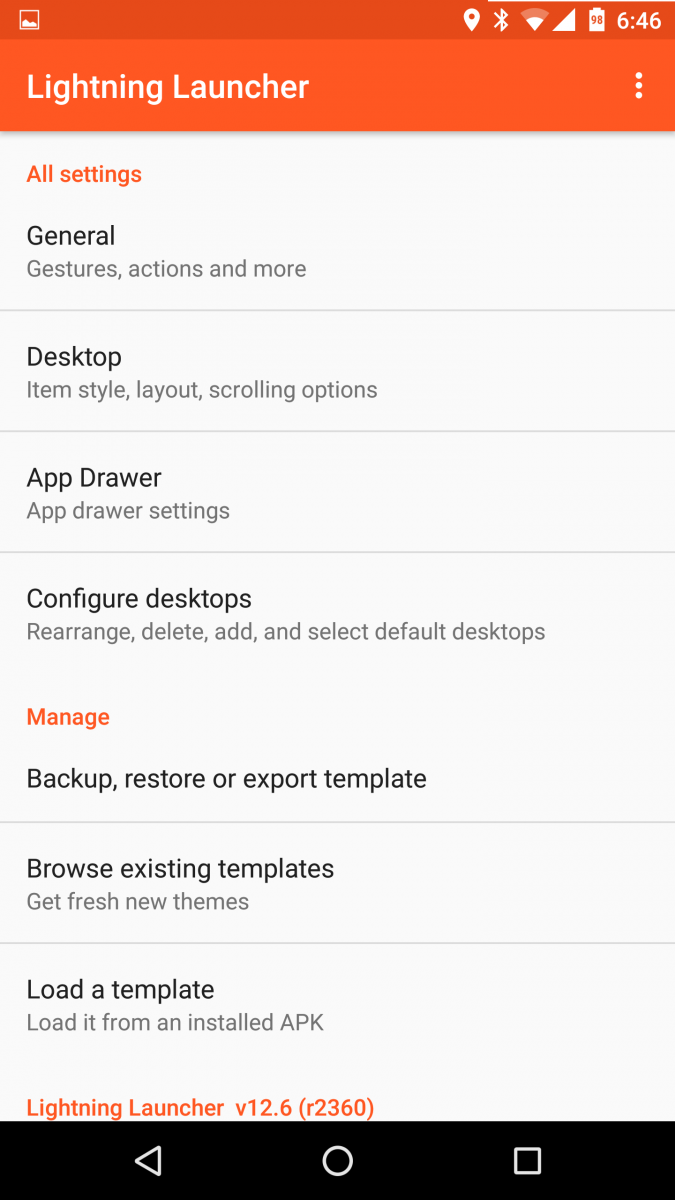
The base theme is minimalistic, but beautiful. You can either customize it into whatever you’d like it to look like, or download any number of themes.